PLUNGE quickstart
Prompt an 808, shape it, lock it to your kick, drag it out — the four steps the plugin is built around.
What PLUNGE is
PLUNGE is a monophonic 808, sub and reese engine. You describe the sound you want in a prompt bar, PLUNGE builds it, and you shape it from there. It runs as an instrument on a MIDI track — AU or VST3 on macOS, VST3 on Windows.
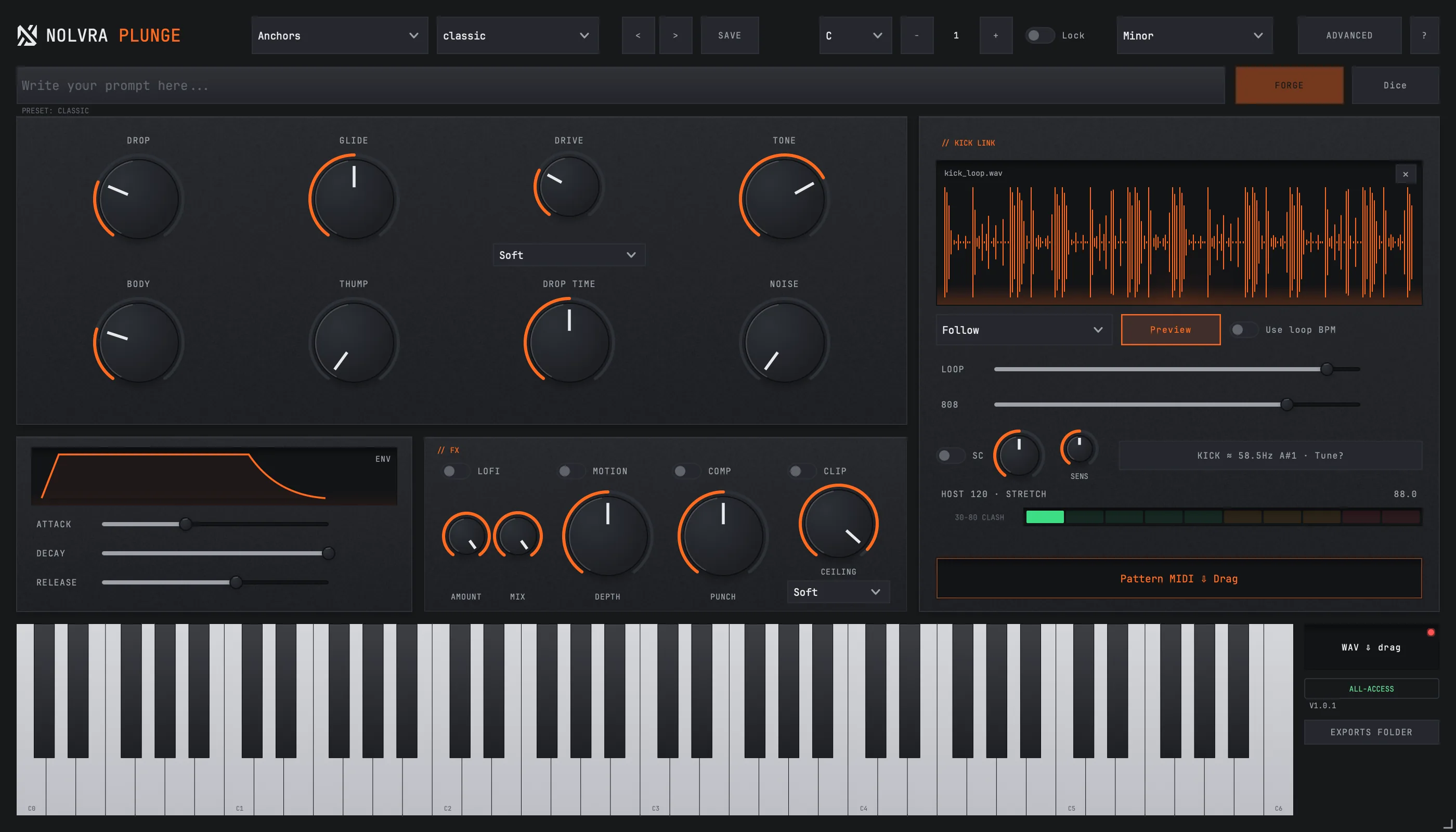
The four steps
Forge an 808
Type what you want into the prompt bar — "dark punchy long 808" is the example the plugin itself uses — and hit FORGE. The prompt resolver is local and deterministic: the same words give the same sound, every time, with nothing sent anywhere. DICE rolls a musical variation of whatever is currently playing.
Shape it
Grab the macro knobs — Drop, Glide, Drive, Tone — and pull the sound your way. Double-click any knob to return it to the preset's value, so exploring never costs you your starting point.
Lock it to your kick
Drop a kick loop onto the KICK LINK panel — audio or MIDI, both work. PLUNGE tunes the 808 to the kick and ducks it around the hits, and Preview plays them together so you hear the pair rather than the 808 alone. No loop at hand? This step is skippable; nothing downstream depends on it.
Drag it into your DAW
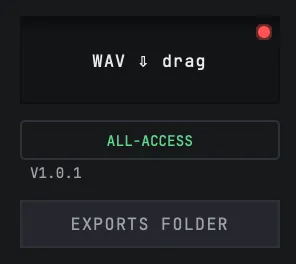
Drag the PATTERN MIDI chip to get the pattern, or the WAV chip to get the audio, straight onto your timeline.

Mono where it counts
PLUNGE is a single monophonic voice with legato glide, which is what makes the low end behave: overlapping 808 notes are the usual source of phase problems in a mix. In reese mode the detuned stack widens the upper body while everything below roughly 110 Hz stays mono, so a wide bass still folds down cleanly.
Presets and the prompt
The prompt bar and the preset browser are two doors to the same engine. The library ships with a set of hand-tuned character anchors plus a curated factory set grouped by style — trap, drill, phonk, plugg, rage, reese, hip hop, club, hybrid and a general set — and anything you build yourself can be saved into a User category alongside them.
Loading a factory preset applies its full voice, including the FX chain that character calls for. Your own saved presets carry their own FX state.

Where exports live
WAV and MIDI drags both write real files to ~/Music/Nolvra/PLUNGE Exports. Nothing goes to a temp folder, so a file you dragged an hour ago is still there when the session asks for it again.
The in-plugin tour
The ? button in the top bar reopens the four-step tour at any time, and hovering any control gives an inline hint. Both stay clickable — the tour never locks the interface while it runs.
Still stuck?
Nothing here matching? Write to a person.