RAW controls explained
REDUCTION, the FX section's HARSH, AIR and MUD, the delta chips and the bypass: what each control does and what it writes to the exported file.
One rendered result, several ways to hear it
RAW does its heavy work once, offline, when you press RENDER. Everything after that is about how much of that result you keep and what you do to it. The model's output never changes when you turn REDUCTION, only how much of it you hear.
The main control
- REDUCTION0 to 1, default 1.0
- Global Bypassoff by default
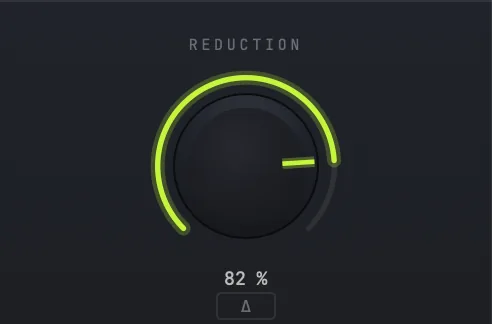
REDUCTION
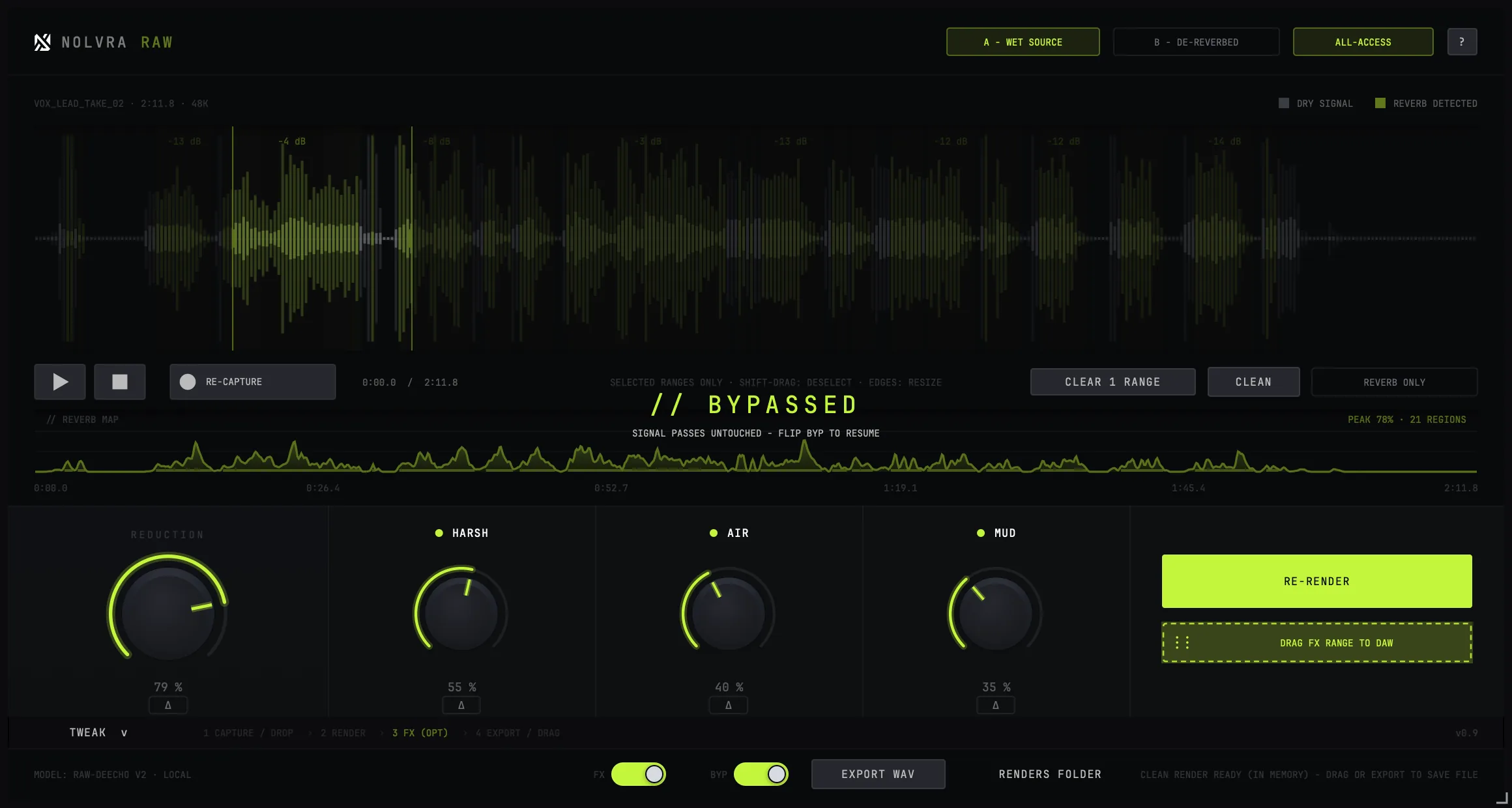
REDUCTION is the mix between the rendered dry signal and your source. At 1.0 you get the full de-reverb; at 0 you get the source back untouched; in between you keep a measured amount of the room.
Full removal is not always the right answer. A vocal with every trace of space stripped can read as unnaturally close, and pulling REDUCTION back to leave a little room in often sits better than adding a new reverb on top.
The delta chip next to the knob auditions what the knob is currently removing: you hear the reverb being taken out rather than the result. It is the quickest way to tell whether REDUCTION is eating the take's own body.
The FX section is optional
The FX section has one master switch, and it is off by default. With it off, the flow completes without FX: capture, render, drag. Exports and drag-outs go out as de-reverb only.
With it on, what you hear is what gets written. There is no separate "apply" step and no difference between the audition and the file.

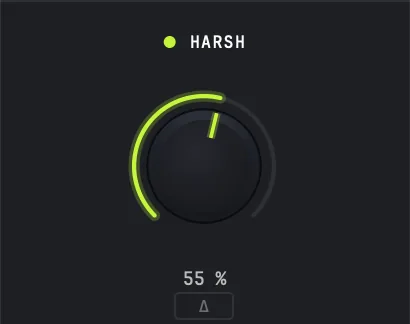
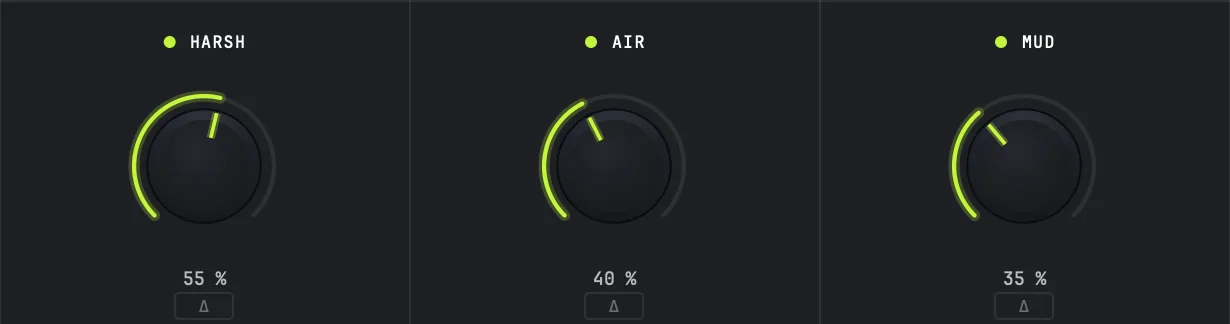
HARSH (de-harsh)
- Amount0 to 1, default 0.90
- Depth0 to 24 dB, default 16
- Threshold0 to 14 dB, default 4.5
Using HARSH
Multiband harshness control, running live rather than as part of the render. Threshold sets how loud a band has to get before it is acted on; Depth caps how much reduction is available; Amount scales the whole thing.
This is where sibilance and the upper-mid glare that de-reverb tends to expose get handled. If a cleaned vocal sounds thinner and harder than the source, start here before touching REDUCTION.
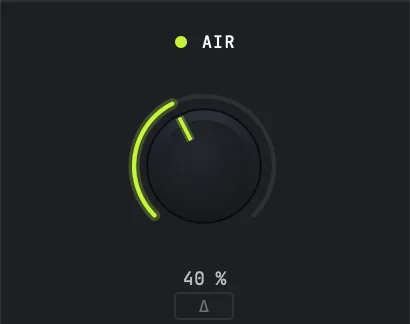
AIR (exciter)
- Amount0 to 1, default 0.5
- ModeStatic · Program-Dep (default)
Using AIR
De-reverb removes high-frequency energy along with the room, and AIR puts brightness back. Program-Dep follows the envelope of the material, which is why it is the default: a static exciter on a cleaned vocal tends to add a synthetic sheen and overshoot on transients. Static is there when you want a fixed amount regardless of what the source is doing.
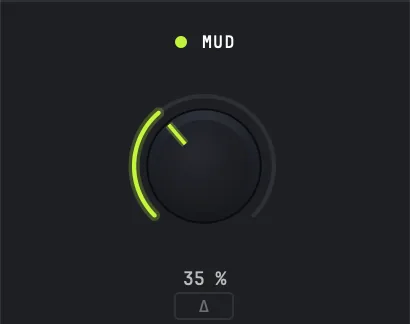
MUD
- Amount0 to 1, default 0.6
- Depth0 to 6 dB, default 4.0
Using MUD
The low-mid counterpart to HARSH. Depth is capped at 6 dB deliberately: mud control is a scoop, and a deep one takes the weight out of a voice along with the boxiness. Amount scales it.
The delta chips
Every module has a delta: it plays only the difference that module is making. Module deltas cannot be stacked, since turning one on takes the others off, because chained deltas stop meaning anything. There is also one delta for the FX section as a whole, which is the one on the main panel.
Delta is a diagnostic, not a sound. If you cannot hear what a module is doing, the delta will tell you whether it is doing nothing or doing something you had stopped noticing.
Global bypass
Global Bypass passes the signal untouched, and the plugin says so on screen rather than looking like it is working. Use it as an A/B against the source without unloading anything.
Export format
Exports and drag-outs are 32-bit float WAV in both cases, so nothing is lost between what you heard and what lands in your DAW. Files are written to ~/Music/Nolvra/RAW Renders with unique names: an existing render is never overwritten.

Still stuck?
Nothing here matching? Write to a person.