PRISM PRO quickstart
Install it, put it on the vocal, sing. The carrier is inside the plugin, so there is nothing to load and nothing to route.
What PRISM PRO is
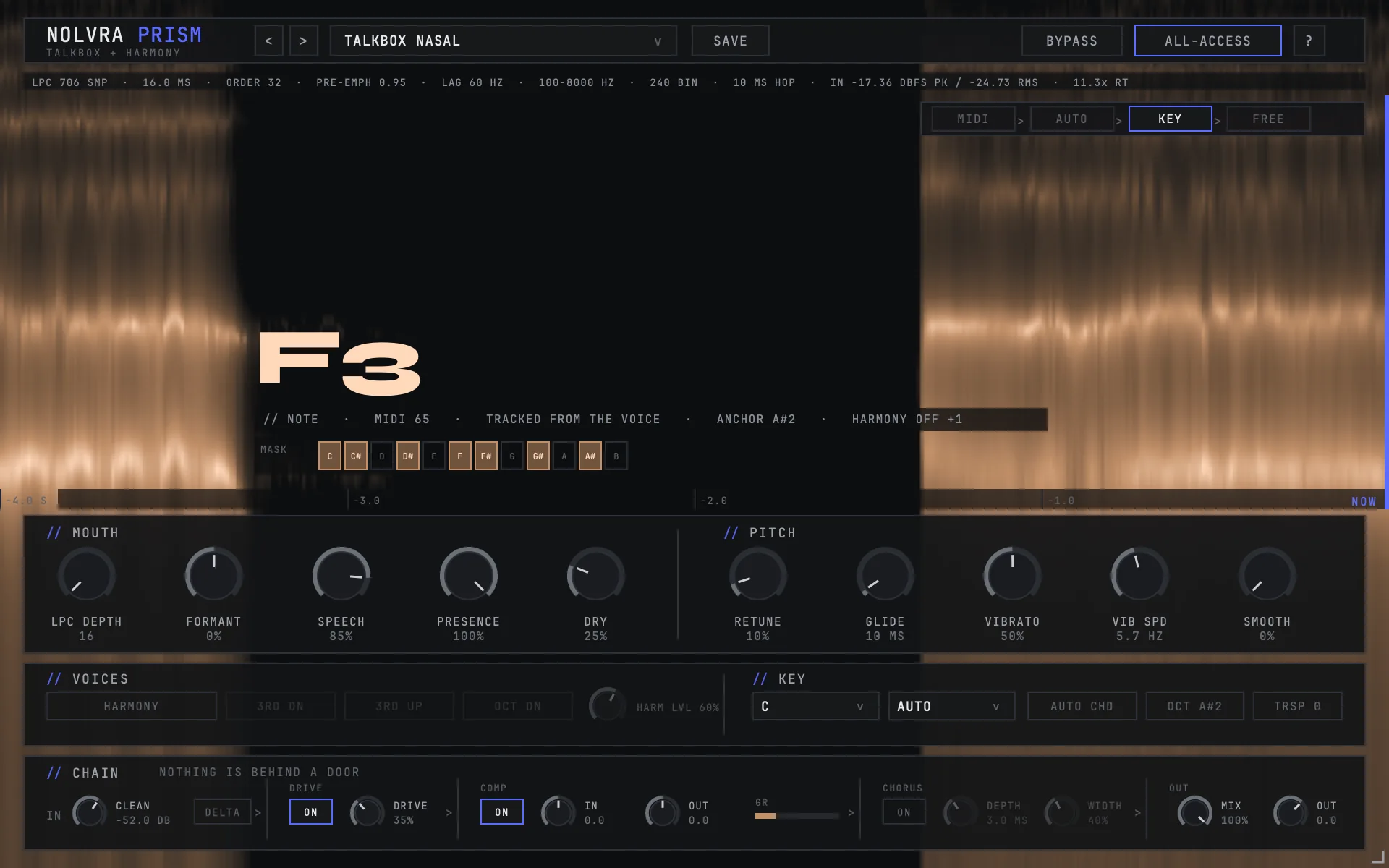
PRISM PRO is a live talkbox that ships with its own carrier. Where a talkbox normally asks you to load a synth, print a pad and route it in before it makes a sound, PRISM PRO makes the sound on its own. It runs as an audio effect on the track that already carries your voice: AU or VST3 on macOS, VST3 on Windows. PRISM PRO is this plugin's name from version 1.2.2 on; it was called PRISM up to that release, so an older install still reads Nolvra PRISM in your plugin browser. The bundle identifier did not change with the name, so a saved project finds it either way.
Getting the first sound
Install it
PRISM PRO installs through the Nolvra Hub. The installer puts the AU and the VST3 in your home folder, so it never asks for an admin password and never shows a destination picker. Rescan plugins in your DAW afterwards if it does not pick them up on its own.
Put it on the vocal track
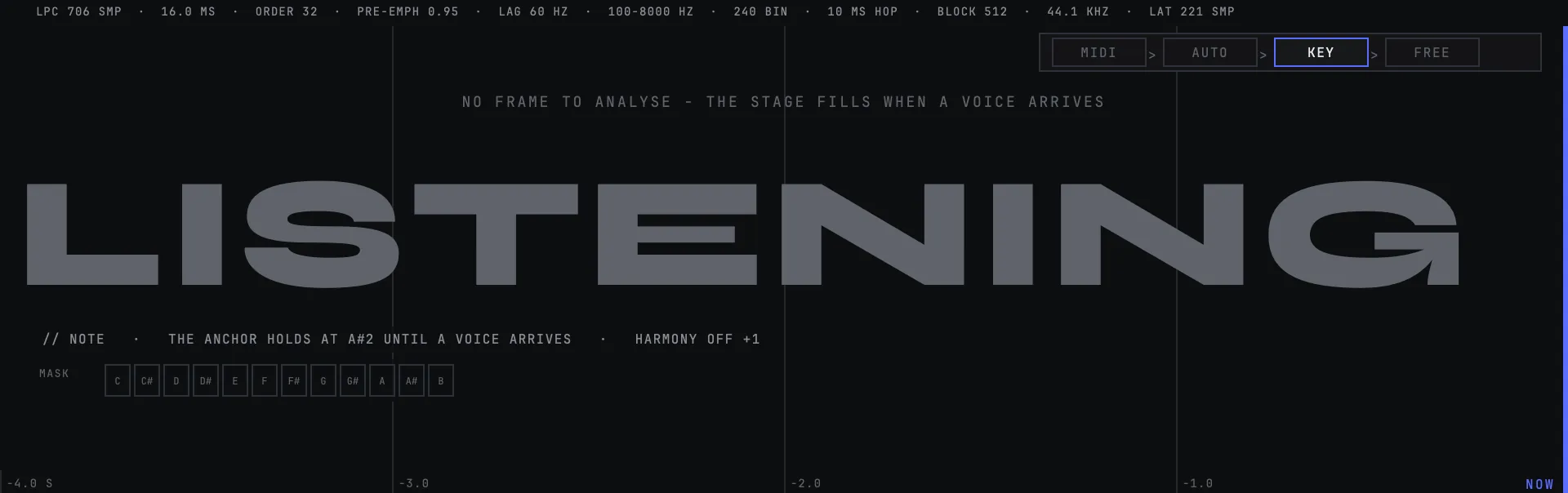
PRISM PRO is an effect, not an instrument. Insert it on the track your vocal is already on. If you insert it on an empty instrument track it has nothing to listen to and the scene will say LISTENING.
Sing
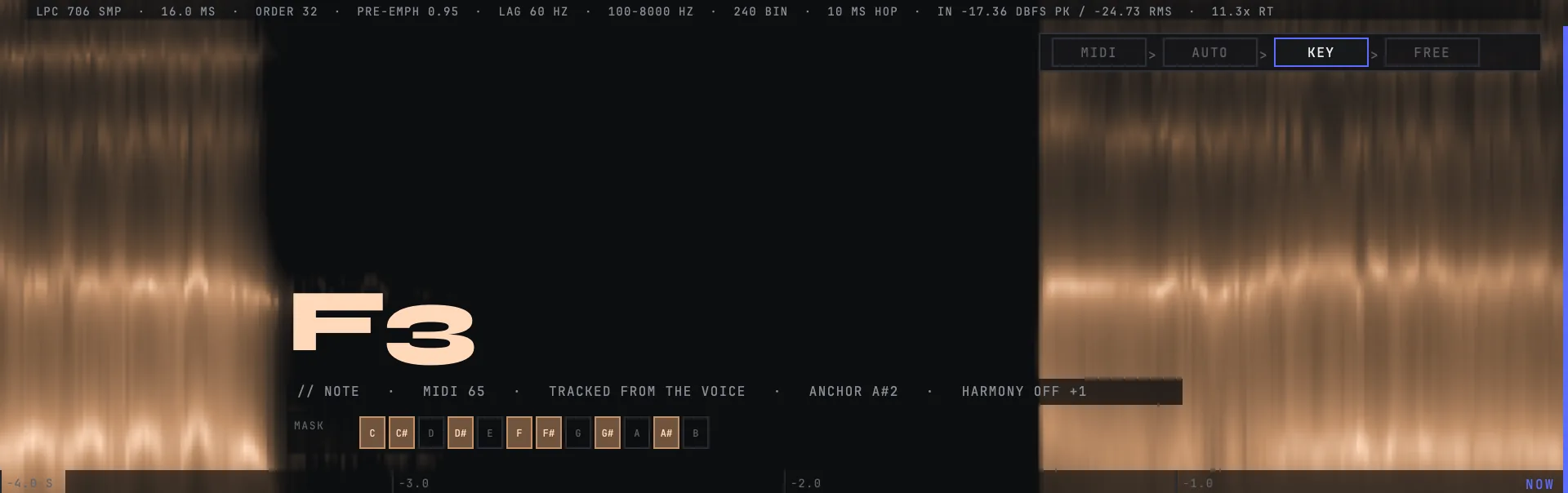
That is the whole setup. The engine follows the pitch of what it hears and drives the carrier with it. The NOTE chip names the note it settled on, and the live scene draws the decision while you sing.
Pick a mouth
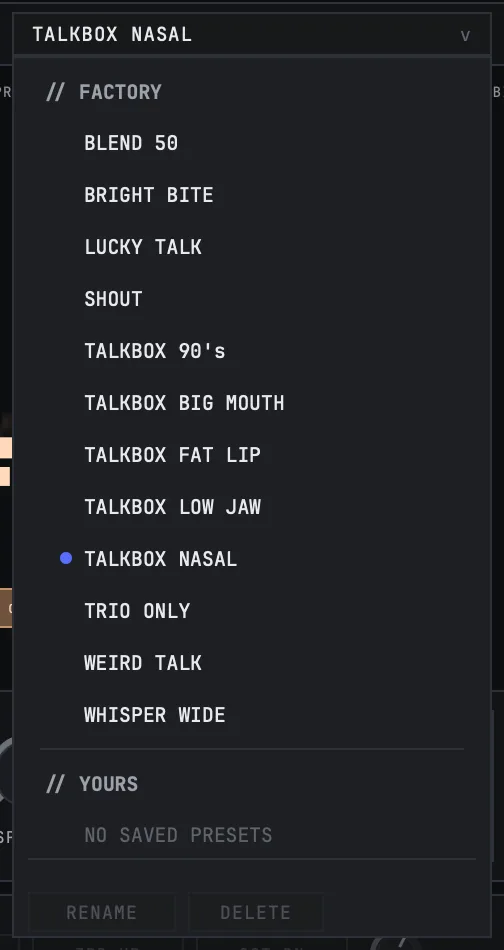
The preset row at the bottom holds twelve factory slots. A fresh instance opens on TALKBOX NASAL. Every slot returns to the defaults first and then writes its own difference, so presets never stack on top of each other.

What the live scene is showing you
The scene draws the engine's decision, not a waveform. Three things sit on the same grid: your raw pitch, which is the voice as it arrives with the octave anchor applied, the decided note, which is stepped because quantising is a step, and the harmony voices when they are switched on. Six seconds fit across it and the vertical span is twenty-four semitones.
Two behaviours are deliberate and worth knowing, because both look like faults if nobody says so. Silent frames cut both lines and the gap is labelled UNVOICED. And when there is no signal at all the grid stops and the plugin writes LISTENING in the middle of it, rather than animating something that is not happening.
How much of your own voice is left
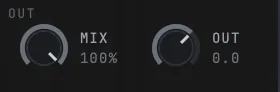
MIX sets the talkbox against your dry voice. At 100% you hear the talkbox path; at 0% you hear the voice you sang. The classic blended sound most people are after sits around 45%.
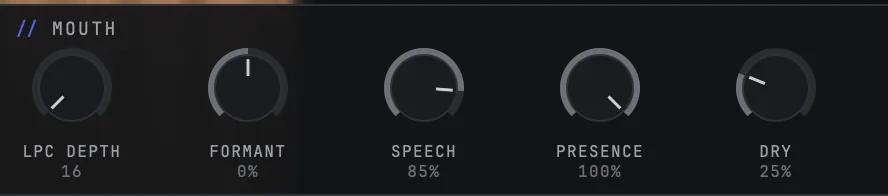
DRY is a separate control and it is the one people miss. Two paths carry your own signal to the output even at full MIX: the consonants, routed above 1.7 kHz, and the air, above 6 kHz. DRY is the shared level of those two. Its middle position is the level PRISM PRO has always shipped at, zero silences both paths, and the top adds 6 dB. Turning it down costs intelligibility, which is why it is a control and not a decision made for you.
The chain in the box
A compressor with an LA-2A character and a stereo chorus sit at the end of the wet path. Both are a single bypass rather than a knob. A fresh instance opens on TALKBOX NASAL, and that preset has the compressor on and the chorus off. The compressor pulls sentence-scale dynamics into a reference band without flattening movement inside a note. The chorus is width, and it costs 0.67 dB when the mix is summed to mono.
Both live on the wet path only. With MIX at zero, neither of them is audible even with both switched on, and the row above says so when it happens.

The harmony voices
Three switches in the VOICES row add a third below, a third above and an octave below. Out of the box the harmony is off: the master switch is off, and the preset a fresh instance opens on switches the third below off as well. So the first sound you hear is the lead by itself.
Each voice is quantised through the same gate the lead passes, which is the part worth knowing: whatever holds the lead in the song holds the harmony in it too. Measured across all three voices, out-of-scale notes come to zero, and the lead stays between 8 and 17 dB in front of them, so the harmony sits behind the line rather than competing with it. They are drawn on the live scene beside the decided note, so you can see which voices are sounding.
One exception, and it is deliberate: in MIDI mode the harmony is passive in this version, because the keyboard is choosing the pitch.

Saving your own
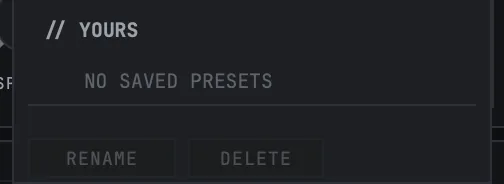
SAVE, RENAME and DELETE sit with the preset list, and your slots appear under YOURS. Key and scale are deliberately outside what a preset carries: a preset is a sound, not the song you are playing it over. Choose your song's key once and no preset takes it back.
The tour
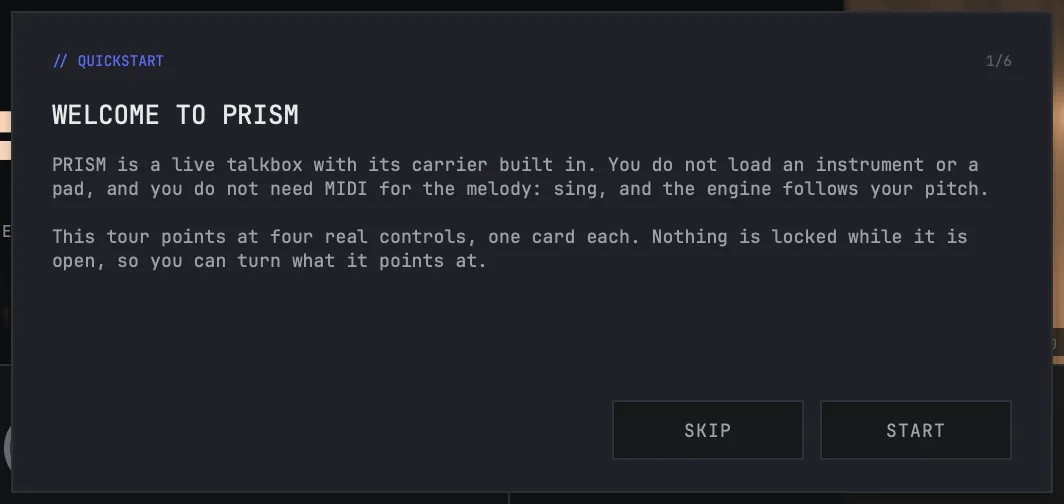
The first time PRISM PRO opens it runs a short tour, one control per card, with nothing locked while it is open. Skip it and it does not come back on its own, but the ? button in the top bar reopens it whenever you want it.
Still stuck?
Nothing here matching? Write to a person.