PRISM MINI quickstart
Put it on the vocal and sing. The carrier is inside the plugin, so there is no synth to load and nothing to route.
What PRISM MINI is
PRISM MINI is a free talkbox that ships with its own carrier. A talkbox normally asks you to load a synth, print a pad and route it in before it makes a sound; PRISM MINI makes the sound on its own. It runs as an audio effect on the track that already carries your voice, and it is free with a Nolvra account rather than free for a trial period.
Getting the first sound
Install it from the Hub
PRISM MINI is installed by the Nolvra Hub, the free app that holds your account and your downloads. There is no licence key and no activation field anywhere in this product. Rescan plugins in your DAW afterwards if it does not appear on its own.
Put it on the vocal track
It is an effect, not an instrument. Insert it on the track your vocal is already on. On an empty track it has nothing to listen to, and the stage says LISTENING rather than animating a grid with nothing behind it.
Sing
That is the setup. The engine follows the pitch of what it hears and drives the carrier with it, and the note reading over the stage names the note it settled on while you sing.
Pick a mouth
The preset strip along the top holds four factory slots. A fresh instance opens on TUBE. Every slot returns to the defaults first and then writes its own difference, so slots never stack on top of each other.
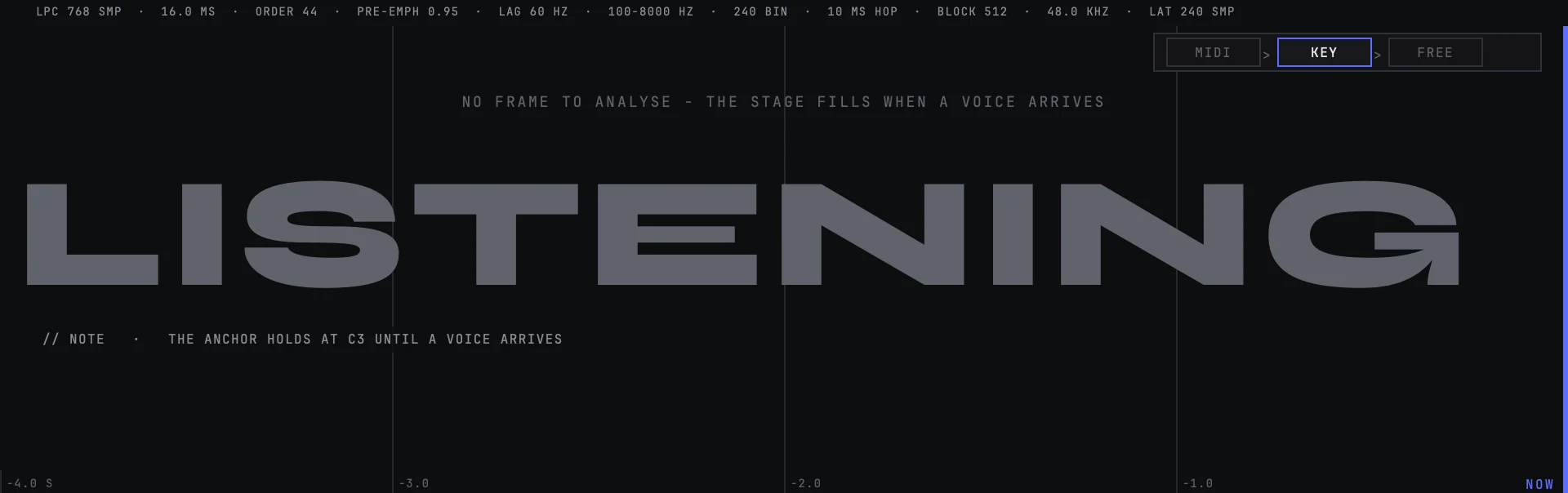
Open it on a vocal track
The whole product is one window and one row of controls. The preset strip runs along the top with the arrows, the slot name and SAVE; the chips at the right of that strip are BYPASS, the account chip and the question mark that reopens the quickstart card. Everything below the strip is the stage, and everything below the stage is the single control row, read left to right as three groups: MOUTH, PITCH and OUT.
Nothing on that row is dimmed and nothing is locked behind a mark. There is no upgrade button on the face, because this is a product rather than a sample of one.
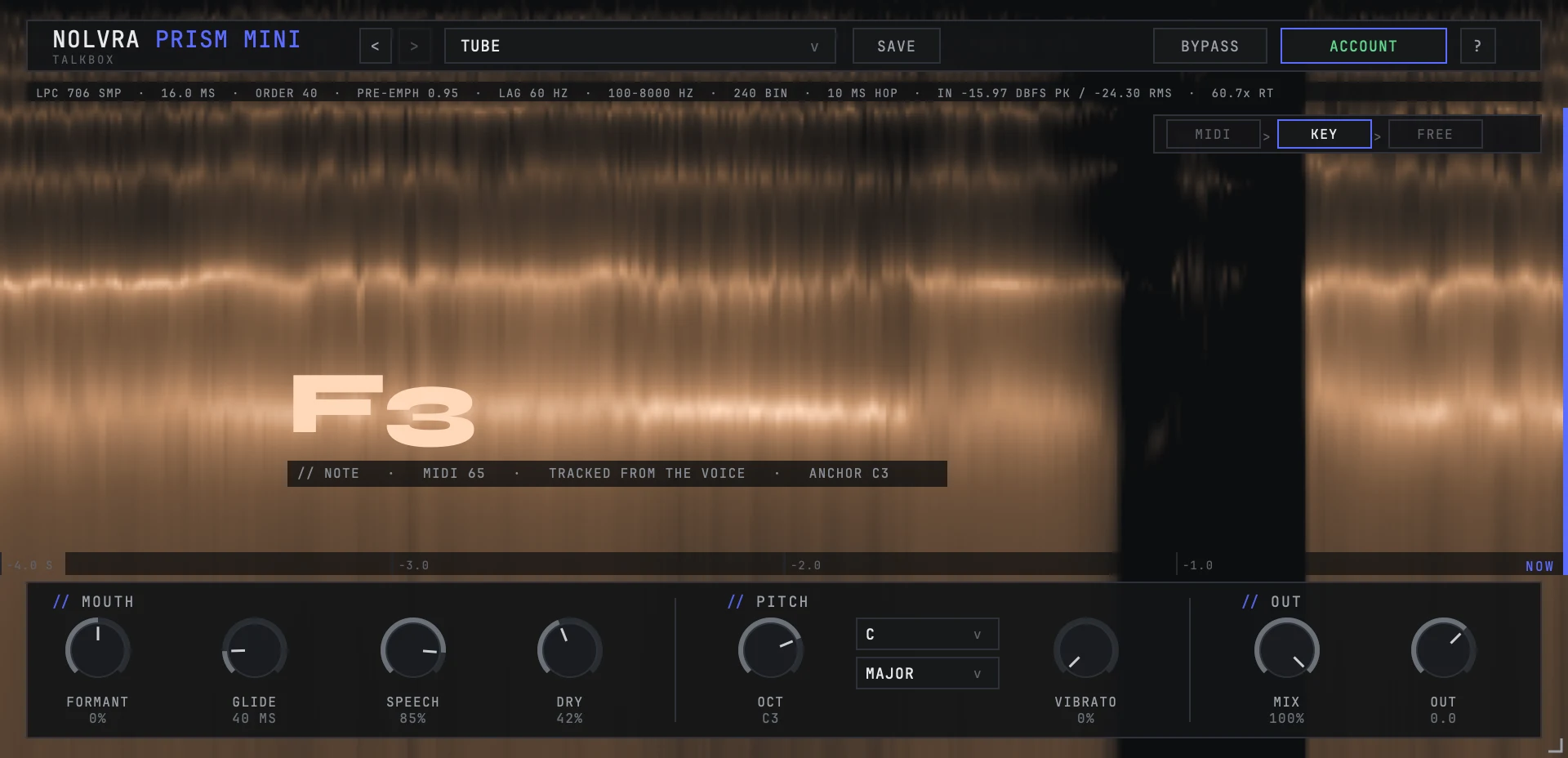
What you are looking at
The stage is a picture of the voice, not a waveform. The analyser draws the last four seconds as a spectrogram, bright where the voice has energy and dark where it has none, and the ruler along the bottom counts back from NOW at the right edge. The rail above the picture prints the analyser's own settings, so the numbers describing the analysis are the analysis, not a caption written next to it.
Two things sit on top of that picture. The note reading is written across the middle, and the priority strip stands in the top right: MIDI, KEY and FREE with an arrow between them, the rung that is deciding the note lit. It answers who decides, not where the pitch came from. Setting a scale by hand lights KEY, and the third field of the note line under it is the one that says where the pitch itself is coming from.
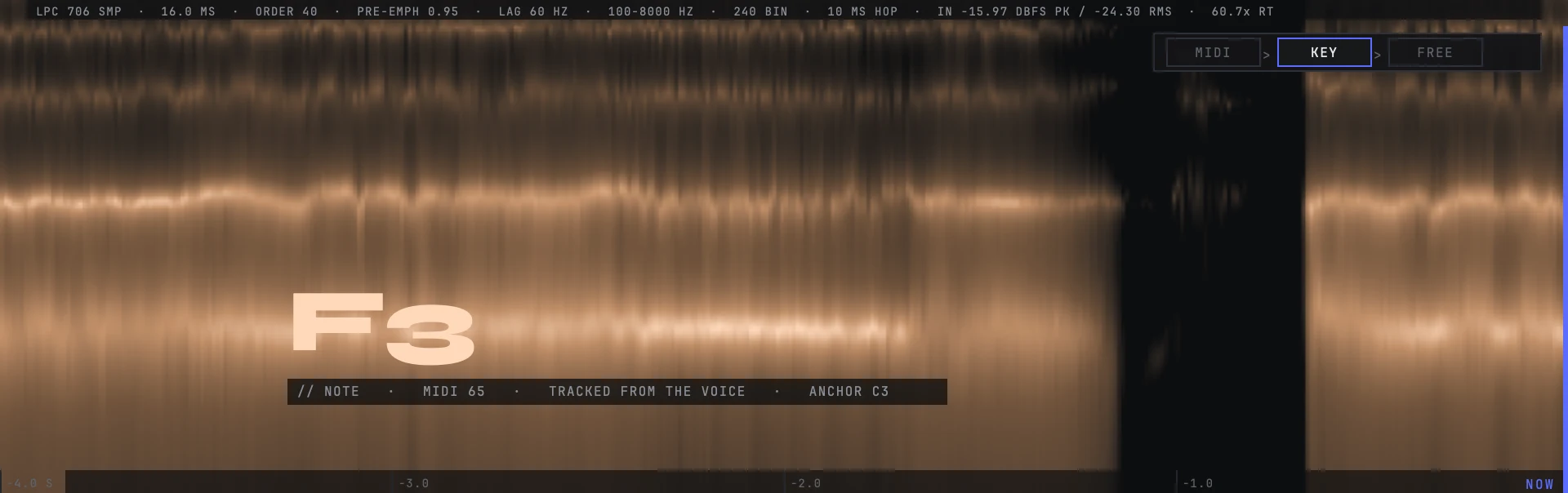
The note reading
The large letters name the note the engine settled on. The line under them adds three fields so that a wrong note can be traced without guessing: the same note as a MIDI number, where the note came from, and the anchor the carrier is holding.
That middle field is the one worth reading when something sounds wrong. TRACKED FROM THE VOICE means the follower is driving; a keyboard holding a note changes it, and so does the key you set by hand.
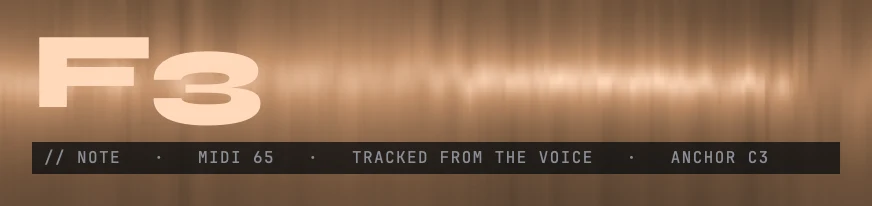
The card you see first
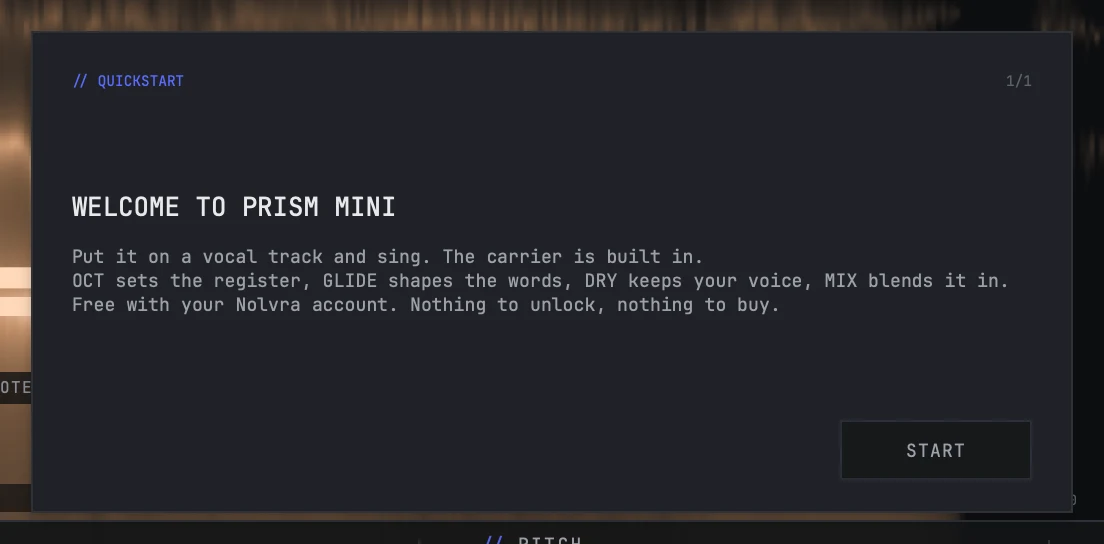
The first time PRISM MINI opens it shows one card: a title, three lines and a START button. It is one card because the product is one card long, and there is nowhere to go next, so there is no second button whose work is the first button's work.
Dismiss it and it does not come back on its own. The question mark in the top strip reopens it whenever you want it.
The MOUTH knobs
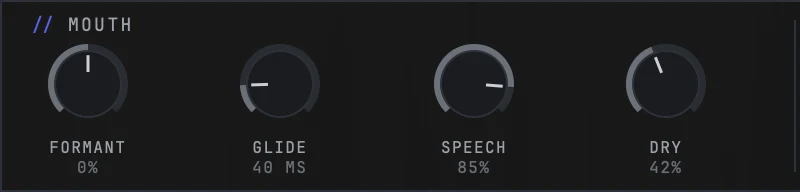
Four knobs shape the mouth the engine is driving your voice through. FORMANT shifts where that mouth sits. GLIDE decides how long the carrier takes to slide into the next note instead of stepping to it. SPEECH decides how much of the consonant detail survives the process. DRY sets how much of your own voice arrives underneath the talkbox, and it has its own article.
A fresh instance reads FORMANT at 0%, SPEECH at 85% and GLIDE at 40 ms, because the slot it opens on asks for 40. The knob's own default, the value it carries when no preset has written it, is 28 ms, and the article on glide explains where that number came from.
Blending it in
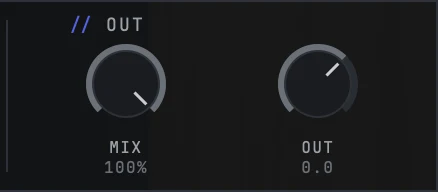
MIX sets the talkbox against your dry voice, and it opens fully wet. At 100% you hear the talkbox path; turn it down and your own voice comes back up underneath it. OUT is the level leaving the plugin, in decibels, and it opens at 0.
Two paths carry your own signal through even at full MIX, the consonants and the air, and their shared level is DRY, the fourth knob in the MOUTH group. Three of the four factory slots write their own value for it, which is why they differ in how much of your own mouth is left in the sound, and none of them changes MIX or OUT, because those two are yours.
Loading a preset
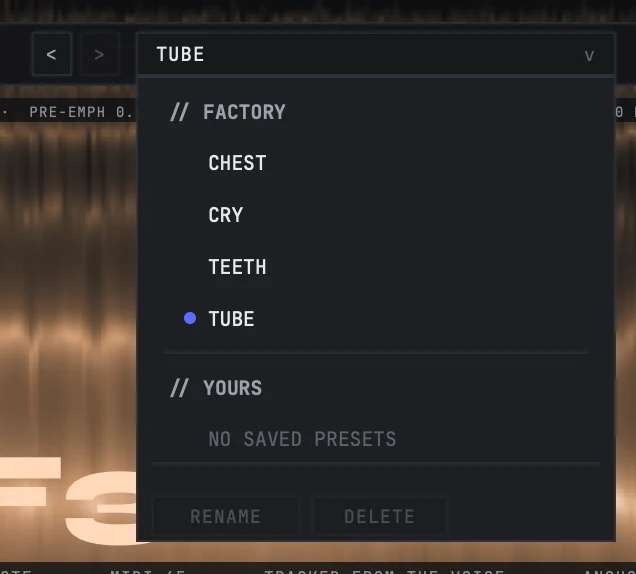
The arrows either side of the slot name step through the list, and the name itself opens it. Four factory slots ship with the product, and each one moves a different part of the mouth: TUBE is the hose itself and the slot a fresh instance opens on, CHEST is low and closed, TEETH is the opposite corner with the highest order this product has, and CRY is the only slot that moves in time.
None of the four writes your key, your scale, your mix or your output. The first two belong to the song and the last two are your level, so a slot that seized any of them would undo a decision you had already made.
Saving your own
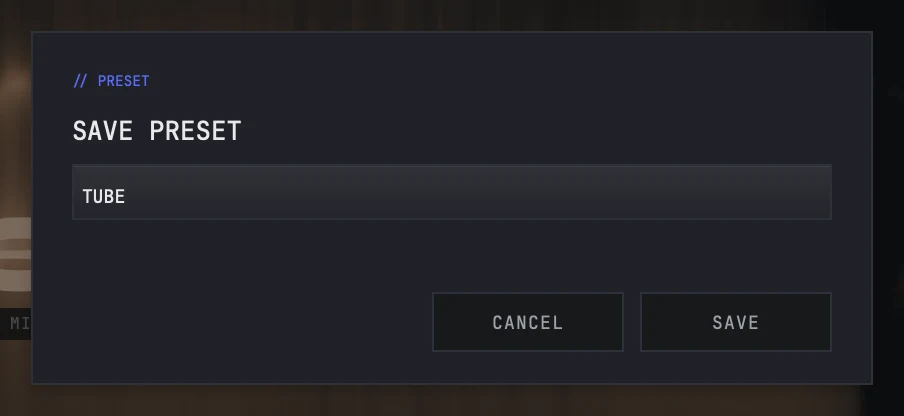
SAVE is a button in the top strip rather than an entry in the list. It opens a card with a name field and two buttons, and what you save appears under YOURS in the list, with RENAME and DELETE beside it.
The product ships with that section empty. Your key and your scale stay outside what a preset carries for the same reason the factory slots leave them alone: a preset is a sound, not the song you are playing it over.
Still stuck?
Nothing here matching? Write to a person.